In Korea, the biggest daily stress for foreigners often isn't the app itself but "mobile identity verification" (본인인증). When you install a delivery app, log into a payment service, or use a government site, sign-up and payment steps frequently get blocked because your line's registered details don't match what you type in. Here's which apps get stuck, why, and where to start fixing it.
Identity verification sits in the phone-and-apps stage of Settling in Korea as a Foreigner. If your number is the issue, see How do foreigners usually get a Korean phone number when they first arrive?; for keeping a number that apps already know, see Can I keep my Korean phone number from abroad for banking apps, KakaoTalk and other services?.
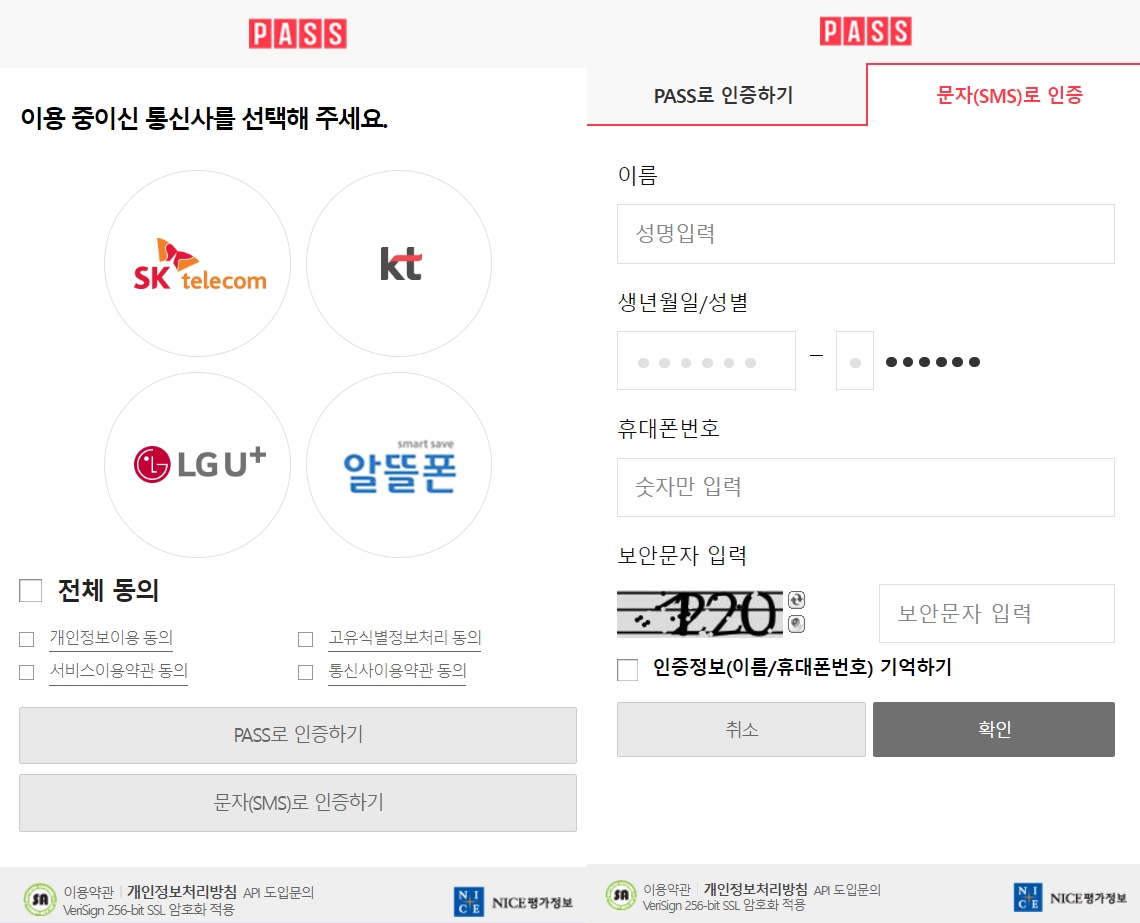
Why verification gets blocked
Korean mobile identity verification isn't just about receiving a text message — it checks whether the carrier information registered under your own name matches what you enter. Even PASS verification is based on a line that is capable of identity verification, and foreigners can use it if they meet the conditions. So if your name spelling and spacing, birth date, gender, or resident/foreigner status differ even slightly from what your carrier has on file, verification tends to fail.
Apps that often get blocked
- Baemin (Baedal Minjok) — At sign-up it asks for your name, real-name details, phone number, and carrier, then an SMS code; it fails if your name doesn't match your carrier records.
- Coupang — Extra identity checks appear at your first purchase or payment, and account recovery requires verification through a phone in your own name.
- Yogiyo — Sign-up, coupons, and membership require mobile verification, and foreigners often get stuck on the resident/foreigner selection or on carrier mismatches.
- Kakao T — Verification with the phone number you'll use is required when you start signing up.
- NAVER account — Sign-up and account-protection steps need SMS verification, and a cap on how many IDs you can create within a period can also block you.
- Naver Pay — During payment, a strengthened security step may trigger an ARS (voice call) verification using a phone in your own name.
- KakaoPay — A "carrier information does not match" error, or a suspended line, can make verification fail.
- Toss — Sign-up or login itself can be blocked, especially for short-term-stay foreigners or lines registered under someone else's name.
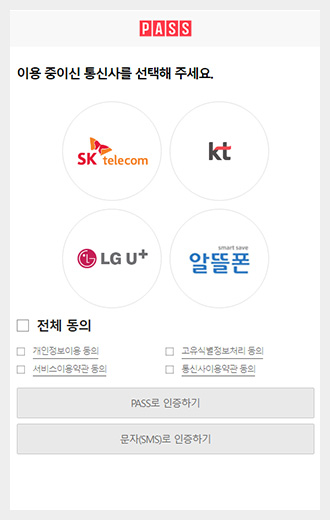
Checklist when you're stuck
- Use a line in your own name (postpaid if possible) and enter the name exactly as your carrier registered it, including spelling and spacing.
- If the text doesn't arrive, don't assume it's only a network issue — first check that the name and number in the app match your carrier's records.
- Confirm that the name, birth date, gender, and residency details on file with your carrier are correct.
- Data-only eSIMs or SMS-only plans can fail ARS (voice) verification, so a line that can receive voice calls is safer.
- For services like NAVER that limit verification attempts or ID creation, consider that you may have exceeded the allowed number of tries, not just a network problem.
In short — The core reason foreigners get blocked is a mismatch between the line's registered owner and the carrier's records. Using a line in your own name, typing the carrier-registered name exactly, and keeping a voice-capable line resolves most verification problems.
Note: The full step-by-step guide is available in Korean only, as there is no English original for this article.