When your phone goes off with a loud alert tone, do not start translating the message from the beginning. Find four things first: the alert type at the very front, the area, the time, and the word telling you to do something. Everything else can wait until you know whether the message concerns you.

Three types, and what each one means
- Emergency alert (위급재난문자) — situations requiring immediate action, such as an armed threat or danger to life
- Urgent alert (긴급재난문자) — situations calling for evacuation or movement restrictions
- Safety notice (안전안내문자) — heat waves, fine dust and similar, giving precautions and guidance rather than instructions
The order to work through, right after the alert
- If you are flustered, screenshot the message first, then look at the opening line to see which of the three types it is
- Check whether the text contains 훈련, 민방위훈련 or 실제상황 아님, which mark it as a drill rather than a real event
- Find the district or neighbourhood name and the time to judge whether this alert concerns where you actually are
- Look for an action word: 대피 (evacuate), 통제 (restricted), 자제 (refrain), 우회 (detour), 중지 (stop)
- If you see 대피, or you can sense immediate danger, move before you translate. Reading comprehension is not worth the delay
- Confirm the same information through the national disaster portal, the Safety Dimdol app, or the Emergency Ready App made for foreign residents
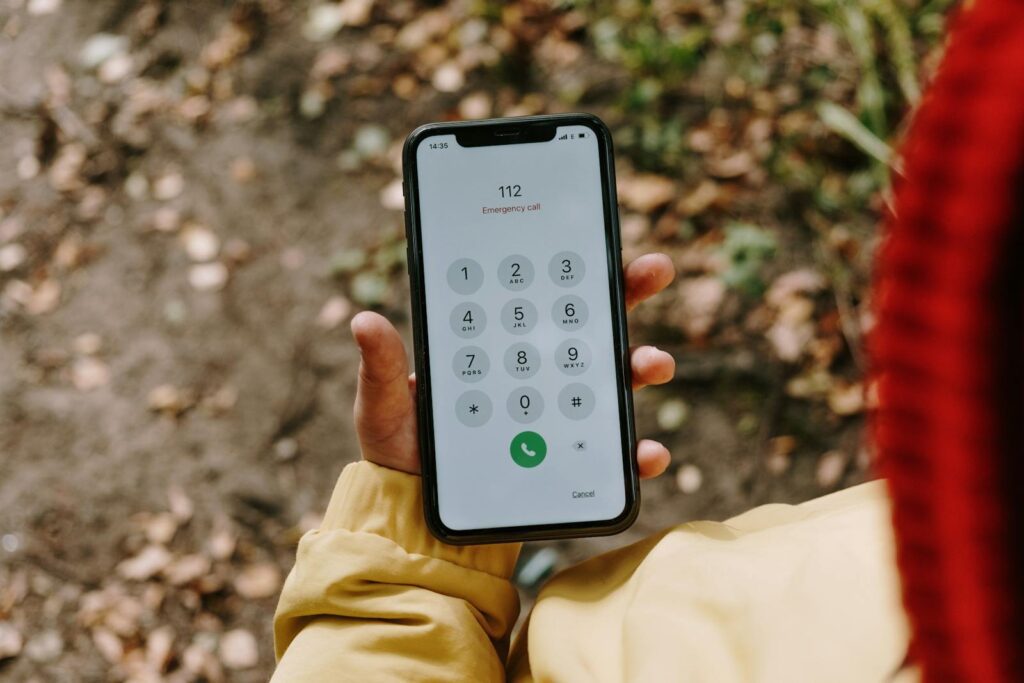
- Fire and medical emergencies are 119; crime and threats are 112. For immigration and residence questions call 1345, and for tourist interpretation 1330
Words that make the judgement faster
A handful of Korean words carry the entire instruction in these messages. 대피 means evacuate, 즉시 means immediately, 통제 means restricted or closed, 우회 means detour, and 침수 means flooded. Learning these five is a better use of ten minutes than installing another translation app.
- 낙뢰 (lightning) — stop outdoor activity
- 산사태 (landslide) — move away from slopes and prepare to evacuate
- 화재 · 산불 (fire, wildfire) — move away from the direction of the smoke and follow the guidance given
When your Korean is not enough
Recent emergency and urgent alerts increasingly include key details such as the disaster type or earthquake magnitude in English alongside the Korean, so read to the end before assuming you cannot understand it. If that is still not enough, run the screenshot through Papago or Google Lens, and install the government's Emergency Ready App, which carries alert messages together with action guidance, shelter locations and embassy contact details in one place.
One setting to check today
Open your notification settings on iPhone or Galaxy and confirm that emergency alerts are switched on. If they are off, none of the above reaches you at all. This is worth checking now rather than discovering it during an actual event.
Alert settings and how to distinguish these messages from smishing attempts are covered in the emergency alert guide on the WeBring blog.