In Korea, apps are less a convenience than survival infrastructure. But foreigners often get stuck at identity verification (phone, certificate, ID), so it's less stressful to install apps that actually work for foreigners from the start.

Get these first: a Korean number and verification
Banking, government, payment, and medical apps usually require phone identity verification plus a certificate or ID. Before any 15 apps, the real baseline is a Korean phone number in your name and a verification method (PASS, mobile ID).
Recommended install order
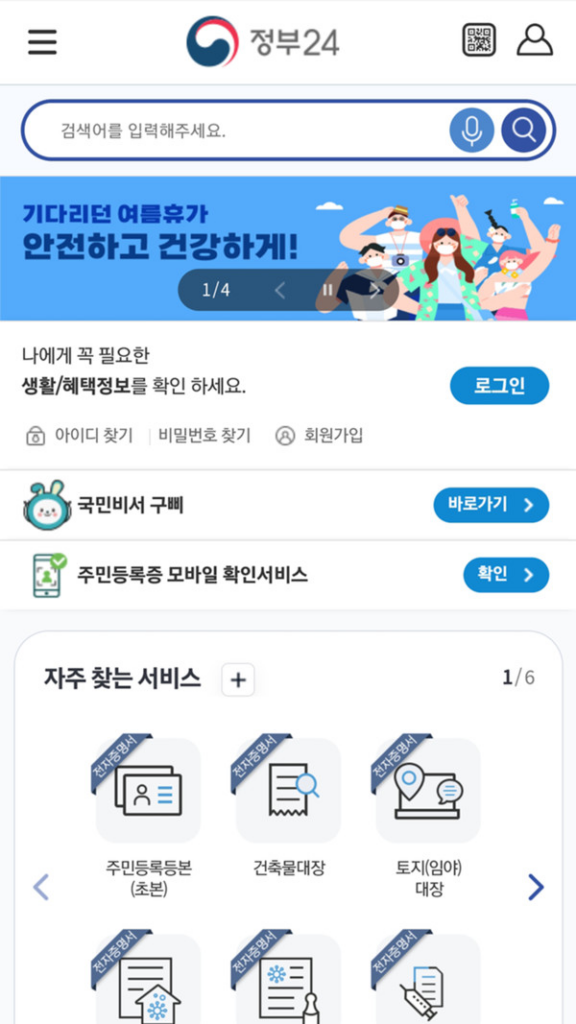
To avoid chain blocks, install KakaoTalk (to receive verification links), then PASS (phone verification and e-signature), the Korea Mobile ID app (which includes the mobile ARC), Gov24, Naver Map, and then transit, medical, and translation apps.
Must-have apps by category
- Admin and ID: Gov24, Korea Mobile ID, PASS, KakaoTalk
- Transit: Kakao T (taxi), Korail Talk (trains), Naver Map and TMAP
- Medical and safety: NHIS app, E-Gen emergency medical info
- Daily life and pay: Baemin (delivery), Danggeun (Karrot), Toss and KakaoPay
- Translation: Papago, Google Translate
Most install by searching the app name as-is on the App Store or Google Play.
Install guide to 15 essential apps for foreigners: admin, transit, medical, translation